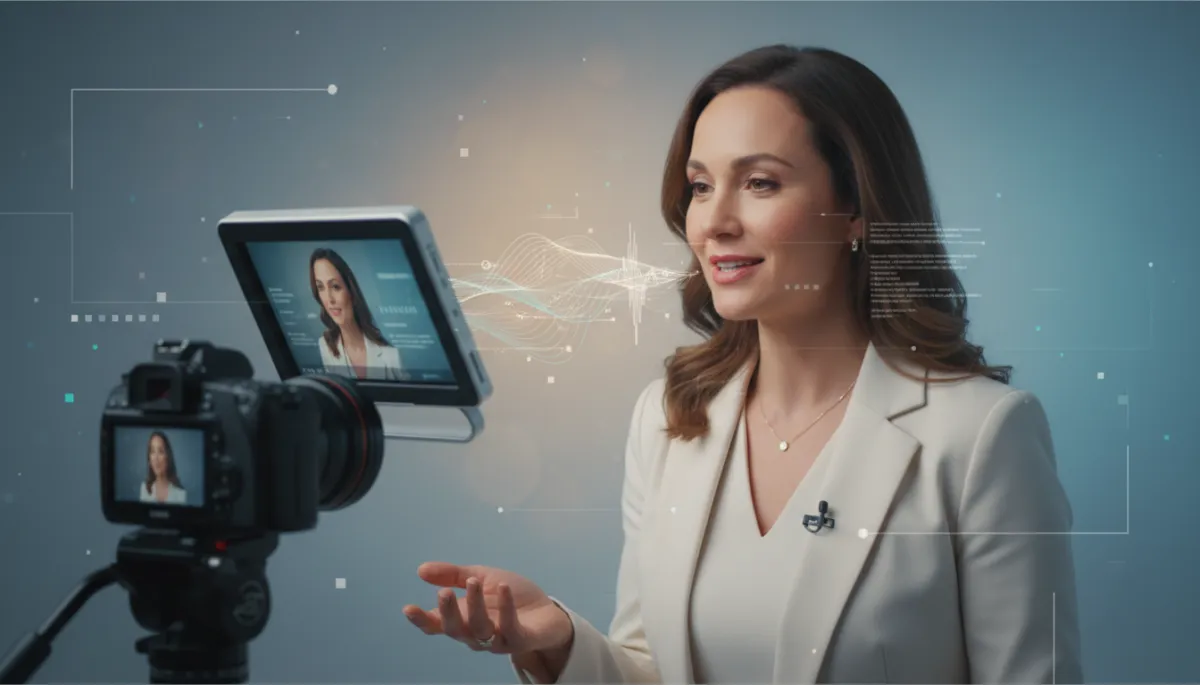
Read a Teleprompter Naturally: Tips & Techniques
Public Speaking, Presentation Skills, Teleprompter Tips
How to Read a Teleprompter Naturally (Without Looking Like a Robot)
As a coach or consultant, your authority often lives or dies on camera. A teleprompter can save you from rambling, but it can also make you look stiff, scripted, and oddly disconnected. This guide walks you through practical Teleprompter Tips, Reading Techniques, and Natural Speaking strategies so you can deliver polished content while still sounding like a real human being.
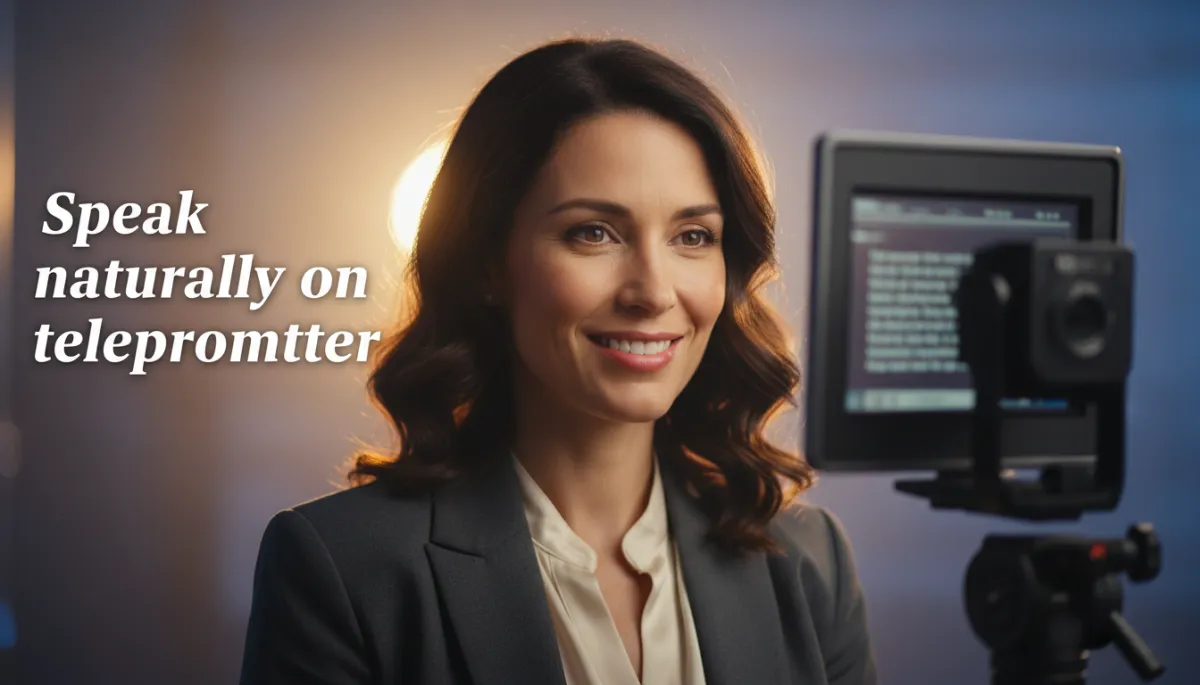
Speak Naturally on Teleprompter
Confident, human delivery without memorizing every word
Why Coaches and Consultants Struggle with Teleprompters
For many coaches and consultants, a teleprompter feels like the perfect solution: no more forgetting key points, no more endless retakes, and no more “What was I saying?” moments. Yet the first time you use one, you might experience the classic symptoms of “teleprompter face”:
A fixed, glassy stare straight down the lens
Flat, monotone delivery with no real emotion or energy
Awkward pauses when the text scrolls too fast or too slow
The problem is rarely the device itself. It’s how we prepare, how we write for the teleprompter, and how we use our voice and non-verbal communication while reading. Once you adjust those elements, a teleprompter becomes a powerful ally in your Public Speaking and Presentation Skills toolkit.
Step 1: Write for the Ear, Not the Eye
The most important Teleprompter Tip has nothing to do with hardware. It’s about your script. Most coaches and consultants accidentally write articles instead of spoken scripts. Written language tends to be more formal, complex, and dense. Spoken language is shorter, simpler, and more rhythmic. When you read “article-style” text aloud, you naturally sound stiff and robotic.
To support Natural Speaking, edit your script using these Reading Techniques:
Use short sentences- Aim for one main idea per sentence. If you’d run out of breath saying it, it’s too long for the teleprompter.
Write how you speak- Include contractions, casual phrases, and your natural expressions: “Let’s be honest,” “Here’s the thing,” “You’ve probably seen this before.”
Add cues for emphasis- Use bold or ALL CAPS sparingly for words you want to hit harder, and add line breaks where you want pauses.
Imagine you’re transcribing a conversation with your favorite client. That’s the tone you want. When the script is naturally conversational, your Presentation Skills shine through instead of being buried under formal language.
Step 2: Treat the Teleprompter as a Guide, Not a Crutch
The biggest mental shift for Natural Speaking is this: your teleprompter is there to support your thinking, not replace it. If you rely on it for every syllable, your brain focuses on reading, not communicating. That’s when you start to sound like a robot.
Instead, structure your script around beats—key ideas you must hit—rather than full, word-for-word paragraphs. For example:
Hook: “Why teleprompters make most experts sound worse, not better”
Point 1: Problem — robotic delivery and loss of connection
Point 2: Solution — write for the ear, rehearse in chunks
You can still use full sentences, but think of them as prompts for what you already understand deeply. Because you’re a coach or consultant, you know your material. The teleprompter simply keeps you on track and on time, while your authentic expertise carries the delivery.
Step 3: Master the Mechanics of Eye Movement and Pace
One of the most telltale signs of poor teleprompter Reading Techniques is eye movement. If your eyes visibly track left to right or dart up and down, viewers subconsciously feel you’re reading, not talking to them. The goal is to create the illusion that you’re thinking in real time, even though the words are on glass in front of the lens.
Use “Eye Chunks” Instead of Individual Words
Train yourself to read in phrases, not words. Let your eyes take in a small cluster of words—five to eight at a time—then speak them from memory while your eyes move to the next cluster. This micro-buffer creates smoother, more Natural Speaking and reduces that mechanical “reading along” look.
Dial In the Right Scrolling Speed
If the text scrolls too fast, you’ll rush and lose all nuance. Too slow, and you’ll sound bored or keep pausing mid-sentence. Ideal speed is slightly slower than your natural conversation pace. It should feel like the words are waiting for you, not the other way around. Most teleprompter apps let you adjust speed on the fly—practice doing this or have a team member operate it for you during important Public Speaking recordings or live streams.
Build in Natural Pauses and Emphasis
Pauses are part of effective Presentation Skills. They give your audience time to absorb your point, and they make you sound more thoughtful. When writing your script, insert intentional line breaks where you want to breathe or emphasize a key idea. On screen, those breaks remind you to slow down, look “through” the lens, and let your words land.
Step 4: Use Your Voice as a Storytelling Instrument
Even with a perfect script and pacing, flat vocal delivery will sabotage your Natural Speaking. As a coach or consultant, your voice carries your authority, empathy, and conviction. The teleprompter simply feeds you the lines; it’s your job to bring them to life with vocal variety and intentionality—core elements of advanced Presentation Skills.
Play with Pitch, Pace, and Power
Pitch: Slightly vary how high or low your voice is to avoid monotony. Go a bit higher when asking questions or expressing curiosity, and lower when making strong, grounded statements.
Pace: Slow down on important lines you want remembered. Speed up slightly through examples or supporting details so your content doesn’t drag.
Power: Shift your volume subtly. You don’t need to shout, but a touch more energy on key phrases signals “Listen up, this matters.”
Record a short teleprompter segment, then listen with your eyes closed. Forget the visuals. Does it sound like you’re talking to someone or reading at them? This simple test reveals whether your voice is carrying your message with genuine presence.
Step 5: Align Non-verbal Communication with Your Words
Non-verbal Communication is where many teleprompter users fall apart. They focus so intensely on reading that their body “freezes.” No head movement, no facial expression, no natural gestures—just a talking head reciting text. For coaches and consultants who are used to dynamic, in-person sessions, this can feel especially uncomfortable and inauthentic.
Use Intentional, Contained Gestures
On camera, big gestures can look exaggerated or even distracting. Instead, use smaller, more deliberate movements:
Open palms when you’re inviting the viewer into an idea or asking them to consider something new.
Subtle finger counts (one, two, three) when outlining steps or frameworks—great for coaches explaining processes.
A small forward lean when emphasizing a key insight or call to action.
Let Your Face React to Your Message
Your facial expressions should mirror your words. When you share a success story, let your eyes brighten and your smile show. When you describe a common struggle your clients face, soften your gaze and show empathy. These micro-expressions are powerful signals of authenticity and are a crucial part of Natural Speaking on camera.
Maintain a Relaxed, Grounded Posture
Whether you’re standing or sitting, think “tall but relaxed.” Roll your shoulders back, let your chest open, and keep your feet firmly planted. Tension in your body translates to tension in your voice. A grounded stance supports confident Public Speaking and makes your teleprompter delivery feel steady and trustworthy.
Step 6: Rehearse Like a Pro (Without Burning Hours)
Many coaches and consultants assume that “natural” means “unrehearsed.” In reality, the most natural teleprompter performances are usually the most prepared. The difference is how you rehearse. You’re not memorizing the script; you’re getting comfortable with the flow so your brain can focus on connection, not decoding words on glass.
Rehearse in Short, Focused Segments
Break your script into 30–60 second chunks. Practice each segment until you can deliver it smoothly while still paying attention to your gestures, facial expressions, and vocal variety. This approach keeps your energy fresh and prevents that drained, over-rehearsed feeling that kills Natural Speaking.
Use “No-Prompter” Runs to Deepen Understanding
After a few runs with the teleprompter, switch it off and explain the same ideas in your own words. Don’t worry about exact phrasing. This reinforces your understanding of the content, so when you return to the teleprompter, you’re speaking from knowledge, not just reading lines. It’s one of the most powerful Reading Techniques to avoid sounding scripted.
Review on Video, Not Just in Your Head
Set up your camera, do a full take, and then watch it back with a coach’s eye. Look specifically at:
Where your energy drops or your voice goes flat
Moments where your eyes clearly look like they’re reading
Sections where your Non-verbal Communication doesn’t match your words
Then adjust your script, pacing, or gestures and record again. Two or three cycles of this can transform your teleprompter presence dramatically.
Step 7: Optimize Your Setup for Comfort and Confidence
Technical details matter because they influence your comfort level. When you’re physically straining to see the text or awkwardly positioned, it shows up in your delivery and undermines your Presentation Skills. A few simple Teleprompter Tips can make a big difference:
Place the teleprompter at eye level. Looking too far up or down makes your eye line obvious and can feel unnatural to the viewer.
Increase font size. Larger text reduces eye strain and makes it easier to use “eye chunks” instead of tracking each word.
Use neutral, soft lighting. This keeps you looking fresh and relaxed, which supports more open, confident Non-verbal Communication.
💡 Pro Tip: If you wear glasses, test for reflections before recording. Slightly adjusting the angle of the teleprompter or your lights can prevent distracting glare that pulls attention away from your message.
Step 8: Translate Teleprompter Skills to Live Public Speaking
The beauty of refining your teleprompter Reading Techniques is that they directly enhance your live Public Speaking as well. When you learn to:
Chunk ideas into clear, concise beats
Use your voice with deliberate variety and emphasis
Align gestures and facial expressions with your message
you become a stronger communicator in any setting—on stage, in webinars, or in high-stakes client pitches. Teleprompter Tips are really just advanced Presentation Skills in disguise. The more you practice Natural Speaking with a script, the easier it becomes to sound natural without one.
Putting It All Together: A Simple Practice Routine for Coaches and Consultants
To make this practical, here’s a straightforward routine you can use to level up your teleprompter skills over the next few weeks:
Choose one core message you share often with clients (e.g., your signature framework or onboarding explanation).
Write a conversational script for a 3–5 minute video, using short sentences, natural language, and clear beats.
Load it into your teleprompter and adjust font size and speed for comfortable reading.
Rehearse in 30–60 second chunks, focusing on eye chunks, vocal variety, and Non-verbal Communication in each segment.
Do one “no-prompter” run, explaining the same content in your own words to deepen understanding and natural flow.
Record a full take, then review and note 2–3 specific improvements for your next attempt.
Repeat this process with different messages over time. Within a few weeks, you’ll notice a significant shift: less tension, more ease, and a stronger sense that you’re truly talking with your audience, even when you’re reading from a teleprompter.
Final Thoughts: Let the Teleprompter Support Your Humanity, Not Replace It
As a coach or consultant, your greatest asset is not a perfectly polished script. It’s your ability to make people feel seen, understood, and guided. A teleprompter, used well, simply helps you deliver that value more consistently and confidently—whether you’re recording a course, hosting a webinar, or delivering a keynote virtually.
When you combine smart Teleprompter Tips with intentional Reading Techniques, Natural Speaking, strong Presentation Skills, and aligned Non-verbal Communication, you stop looking like a robot and start showing up as the trusted guide your clients already know you to be. The screen disappears, the tech fades into the background, and what’s left is you—clear, grounded, and powerfully present.
A great script only works if your gear supports it. Discover why the ProShot V5 teleprompter is trusted by India's top educators for effortless, natural video recording.
